
The Comprehensive Guide to Modern Data Transformation: Mastering JSON and SQL Workflows
The "Dirty Work" of Development: Every developer knows the pain. You're building a sleek new feature, but you're blocked because the data you need is trapped in a messy Excel spreadsheet, or the API response is a minified 5MB JSON blob that's impossible to read.
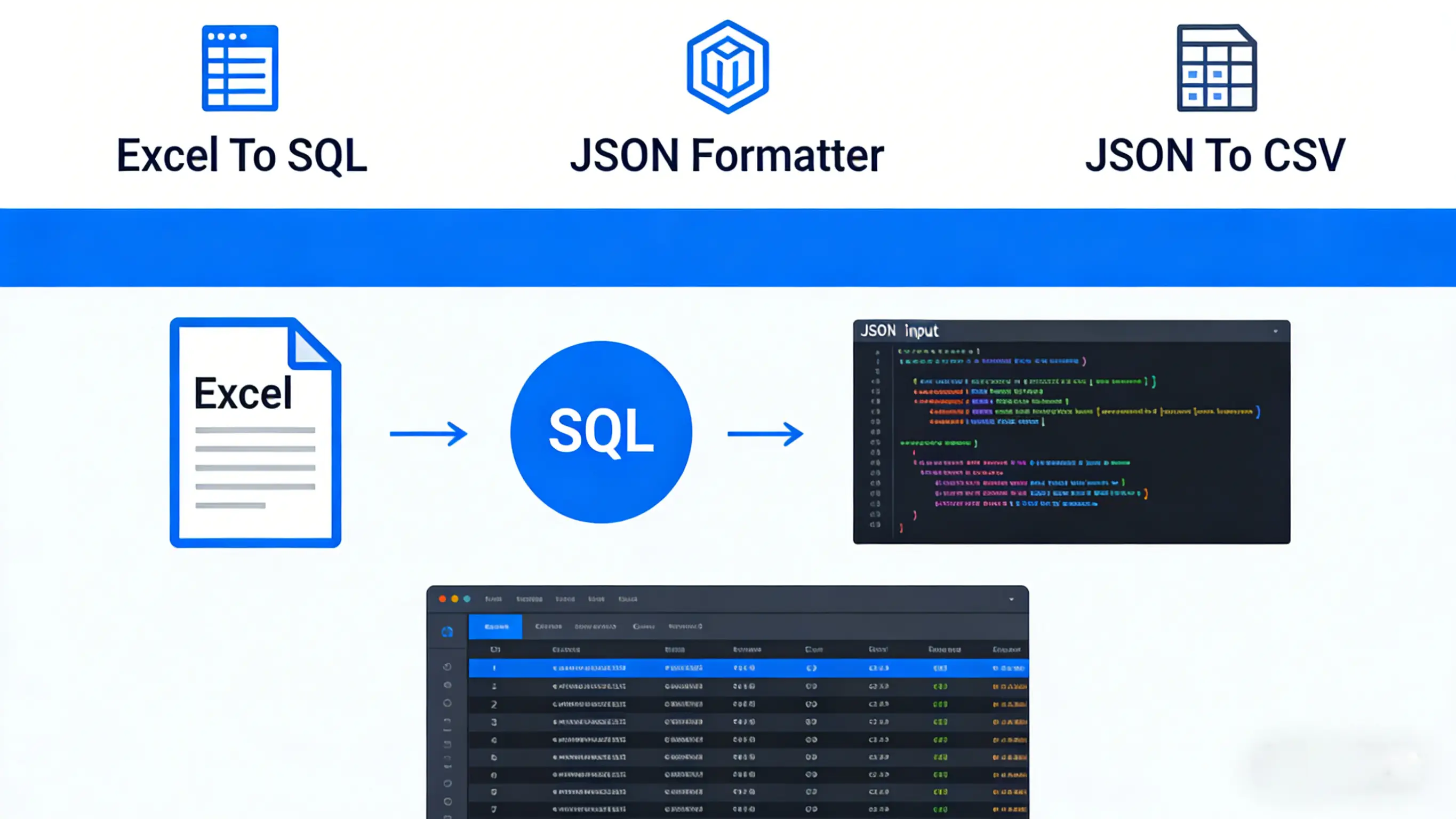
Instead of writing one-off Python scripts, use Develop Box Utilities. Whether you need to Convert Excel to SQL INSERT statements online or Pretty print JSON with syntax highlighting, our tools save you hours of manual work. We also help you Convert JSON array to CSV spreadsheet for easy analysis.

Deep Dive: The Excel to SQL Workflow
Writing `INSERT INTO` statements manually is a practice that should have stayed in 2010. Yet, we still find ourselves doing it for seed data, configuration tables, or quick fixes. When dealing with large datasets, the probability of human error approaches 100%. A single misplaced comma or unescaped quote can invalidate a batch of thousands of records.
Handling Data Type Mapping
One of the most complex aspects of converting Excel data to SQL is Type Inference. Excel is loosely typed—a cell can look like a number but be stored as text. SQL is strictly typed. If you try to insert a string into an `INT` column, the transaction fails.
Automated tools like Developer Box perform intelligent scanning of each column to determine the appropriate SQL type. This process involves multiple passes over the data to ensure accuracy:
- VARCHAR vs. TEXT: Length analysis is crucial. If a column consistently contains strings under 255 characters (e.g., status codes, usernames), it maps efficiently to `VARCHAR(255)`. However, if even a single row contains a 500-character description, the tool promotes the entire column to `TEXT` or `VARCHAR(MAX)` to prevent silent truncation errors.
- INT vs. DECIMAL vs. FLOAT: The distinction between integer and floating-point types is vital for data integrity.
- `INT`: Used for IDs, counts, and other whole numbers.
- `DECIMAL`: Essential for financial data where precision matters.
- `FLOAT`: Suitable for scientific data where slight precision loss is acceptable for performance.
Our tool analyzes the presence of decimal points and the scale of numbers to choose the safest type, ensuring that `$19.99` isn't rounded down to `19` by an accidental `INT` cast. - DATE vs. DATETIME vs. TIMESTAMP: Excel stores dates as serial numbers (e.g., `44562` represents Jan 1, 2022). A raw copy-paste results in meaningless integers.
The converter must:
1. Detect if a numeric column is actually a date format in Excel.
2. Parse the serial number relative to the Excel epoch (December 30, 1899).
3. Serialize it into ISO 8601 format (`'2022-01-01'`) or a full timestamp (`'2022-01-01 14:30:00'`) depending on whether time data is present.
The Challenge of NULL Values
In the world of spreadsheets, an empty cell is simply empty. It has no semantic weight other than "nothing is here." In Relational Database Management Systems (RDBMS), the concept of "emptiness" is bifurcated into two distinct states: an empty string (`''`) and NULL.
The Semantic Difference:
- Empty String (`''`): A known value that happens to be empty. It exists. Example: A user has no middle name.
- NULL: An unknown or inapplicable value. It represents the absence of data. Example: We don't know if the user has a middle name yet.
Technical Implications in Queries:
Mismanaging these can lead to subtle, hard-to-debug logic errors:
- Aggregation: `COUNT(column_name)` ignores `NULL` values but counts empty strings. If you import empty Excel cells as empty strings, your averages and counts will be skewed.
- Filtering: The query `SELECT * FROM users WHERE status != 'inactive'` will exclude rows where `status` is `NULL`. This is often unexpected behavior for developers used to boolean logic. To include them, you must explicitly write `OR status IS NULL`.
- Uniqueness: In some databases (like SQL Server), a `UNIQUE` constraint allows only one `NULL` value. In others (like PostgreSQL), multiple `NULL`s are allowed because "unknown" is not equal to "unknown".
Automated Handling in Developer Box:
Our tool mitigates this risk by offering configurable NULL handling. By default, it follows strict SQL conventions:
- Numeric/Date Columns: Empty cells are always converted to `NULL` (unquoted keyword), as `''` is invalid for these types.
- Text Columns: You can toggle between treating empty cells as `NULL` or `' '`. The tool ensures that `NULL` is generated as a keyword, not the string `'NULL'`, preventing the "text 'NULL' stored in database" anti-pattern.
Why Manual SQL Writing Fails
- Syntax Fatigue: Forgetting to escape a single quote (`O'Connor`) breaks the entire query. Automated tools handle character escaping (e.g., replacing `'` with `''`) globally and consistently.
- Data Type Mismatches: Inserting a string into an integer column because you visually misread the Excel row.
- Performance: Running 1,000 individual `INSERT` statements is significantly slower than a single batched transaction. Our tool groups inserts (e.g., `INSERT INTO table VALUES (...), (...), (...)`) to minimize database transaction overhead.
| Feature | Manual Writing | Developer Box Converter |
|---|---|---|
| Time per 100 rows | ~15 minutes | < 1 second |
| Error Rate | High (Typos) | Zero (Automated) |
| NULL Handling | Inconsistent | Standardized |
| Batching | Manual grouping | Auto-batching |
Mastering the JSON Ecosystem with JSON Manipulation Tools
JSON (JavaScript Object Notation) has become the de facto standard for data exchange on the web. However, its hierarchical nature makes it difficult to read and analyze without proper tooling. Powerful JSON Manipulation Tools are essential for developers to efficiently handle data visibility and bulk editing.
JSON Formatter & Validator
The Use Case: You receive a 500-line error log from production, but it's a single minified string. You can't see the structure.
Our formatter doesn't just pretty-print; it provides structural validation. It identifies common issues like trailing commas (valid in JS but invalid in JSON), missing quotes around keys, or mismatched braces. It also allows you to minify JSON before sending it over the network to save bandwidth, removing all unnecessary whitespace.
JSON to CSV Flattening
The Use Case: A Product Manager asks: "Can you give me a list of all users who signed up last week?" You have the data in a MongoDB export (JSON), but they need Excel.
This is where Flattening comes in. Converting a tree (JSON) to a table (CSV) requires a strategy for nested data. Our tool uses dot-notation flattening (e.g., `user.address.city`) to preserve the hierarchy in column headers, ensuring no data is lost during the transformation.
Technical Comparison: Choosing the Right Format
| Format | Human Readability | Machine Parsability | Best Use Case |
|---|---|---|---|
| Excel (XLSX) | ⭐⭐⭐⭐⭐ | ⭐⭐ | Business Analysis, Reporting |
| CSV | ⭐⭐⭐ | ⭐⭐⭐⭐ | Data Transfer, Legacy Systems |
| JSON | ⭐⭐ (Formatted) | ⭐⭐⭐⭐⭐ | Web APIs, NoSQL, Config Files |
| SQL | ⭐⭐⭐ | ⭐⭐⭐⭐⭐ | Relational Database Operations |
Why Client-Side Processing Matters: The Develop Box Promise
Most online tools require you to upload your sensitive data to their servers. With Develop Box Privacy-first DevTools, your data never leaves your browser. All processing happens locally on your machine.
In an era of data breaches, pasting your company's sensitive customer data into an online converter is a security risk. Many "free" online tools upload your data to their servers for processing, creating a potential vector for data leakage.
Your file never leaves your browser. All processing happens in JavaScript within your local machine's memory (Client-Side).
Once the page loads, you can disconnect your internet and the tools will still work perfectly. No API latency.
Since we don't have a backend server for processing, we physically cannot log your data. It vanishes when you close the tab.
Frequently Asked Questions
Ready to stop writing scripts? Choose a tool above and get started.